- Java 100%
| .github/workflows | ||
| app | ||
| gradle/wrapper | ||
| images | ||
| .editorconfig | ||
| .gitattributes | ||
| .gitignore | ||
| build.gradle | ||
| gradle.properties | ||
| gradlew | ||
| gradlew.bat | ||
| LICENSE | ||
| README.md | ||
| settings.gradle | ||

Nel
Bring back KeyChain.createInstallIntent's old behavior to Android 11+.
Why
Android 11 introduced a restriction where the KeyChain.createInstallIntent method can no longer be used to install CA (Certificate Authority) certificates. As of today, most apps that relied on this old behavior have already been updated to work around this; however, there are still some apps that rely on the old behavior (e.g., HTTP Canary).
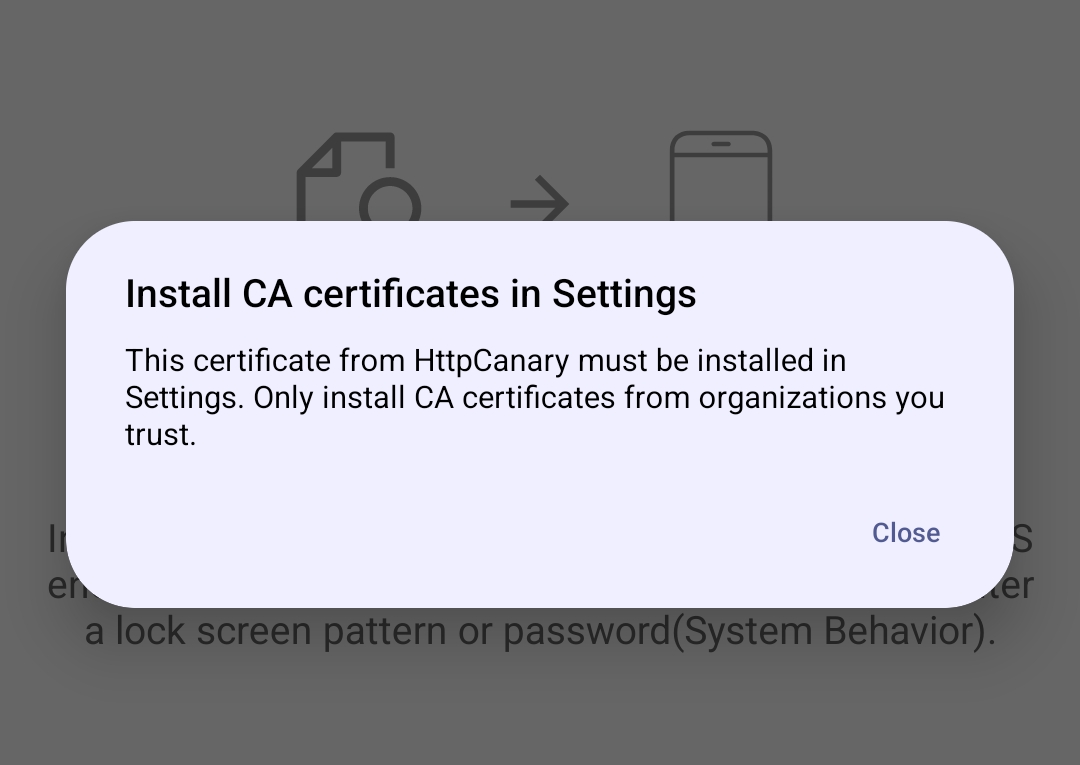
This module will (hopefully) make them work correctly on Android 11+.
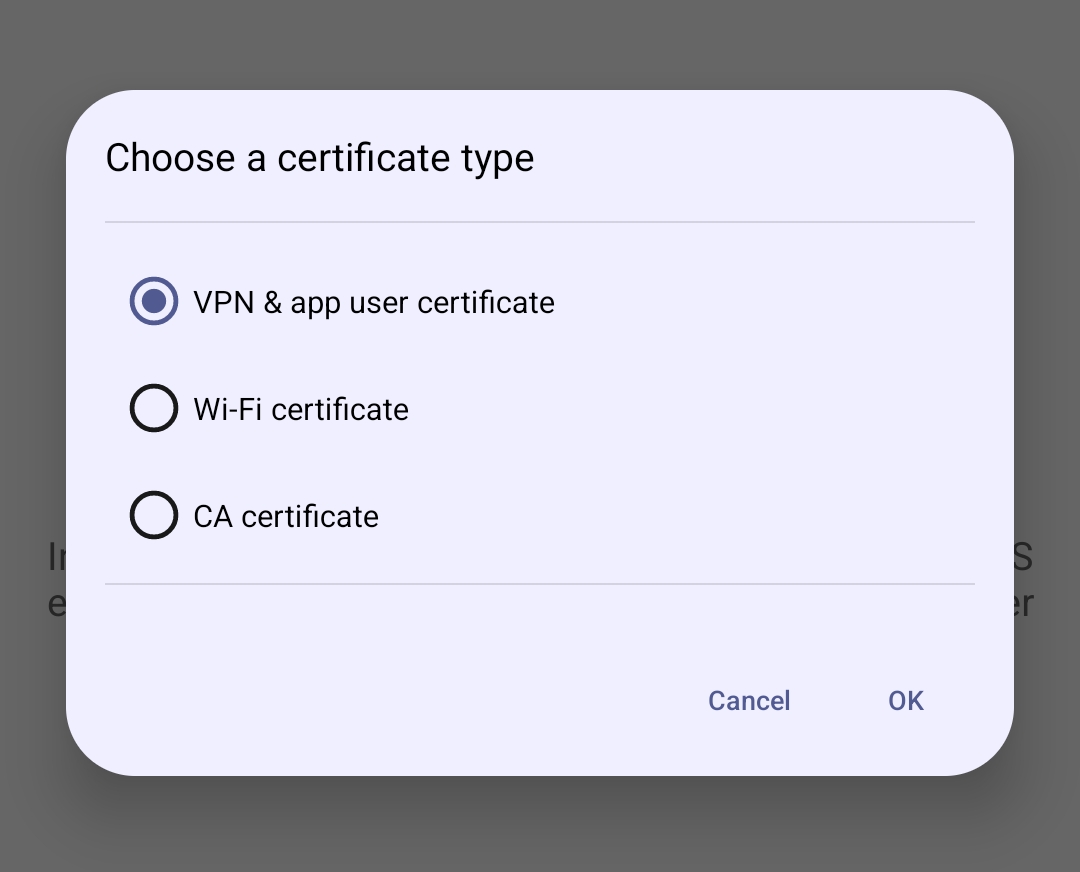
Usage
Just install and reboot the device. If you are using LSposed, you just need to mark the "Certificate Installer" package on the list of apps and then kill/force-close the com.android.certinstaller process (e.g., by running /system/bin/am force-stop com.android.certinstaller on a terminal emulator).
Supported Android versions
This module was only tested on Android 13-15, but should work on any device running Android 11 or higher.